Scout Radiology Report Explorer#
Welcome to the Scout Radiology Report Explorer documentation!
The Scout Radiology Report Explorer is designed to help users access and analyze large volumes of HL7 radiology reports. HL7 radiology reports are processed and ingested into a data lake where they are made available for exploration and analysis.
Quickstart#
Scout Analytics#
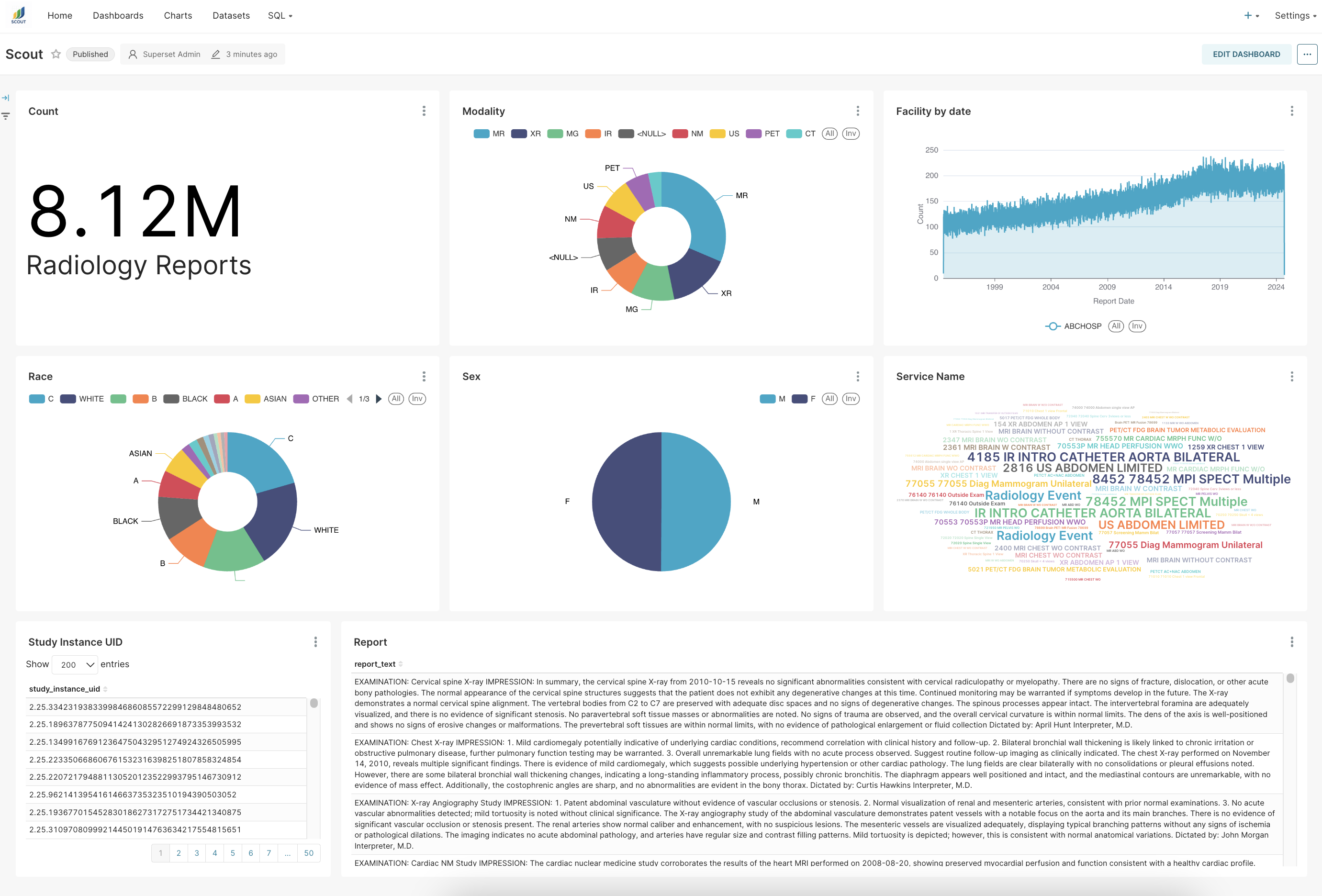
Your initial landing page is the Scout Dashboard. It is designed to give you an overview of all report data. From here, you can analyze and explore the data within Scout Analytics, either graphically or via SQL Lab (see the Trino SQL documentation for a general reference to the Trino SQL syntax and language support).
Scout Launchpad#
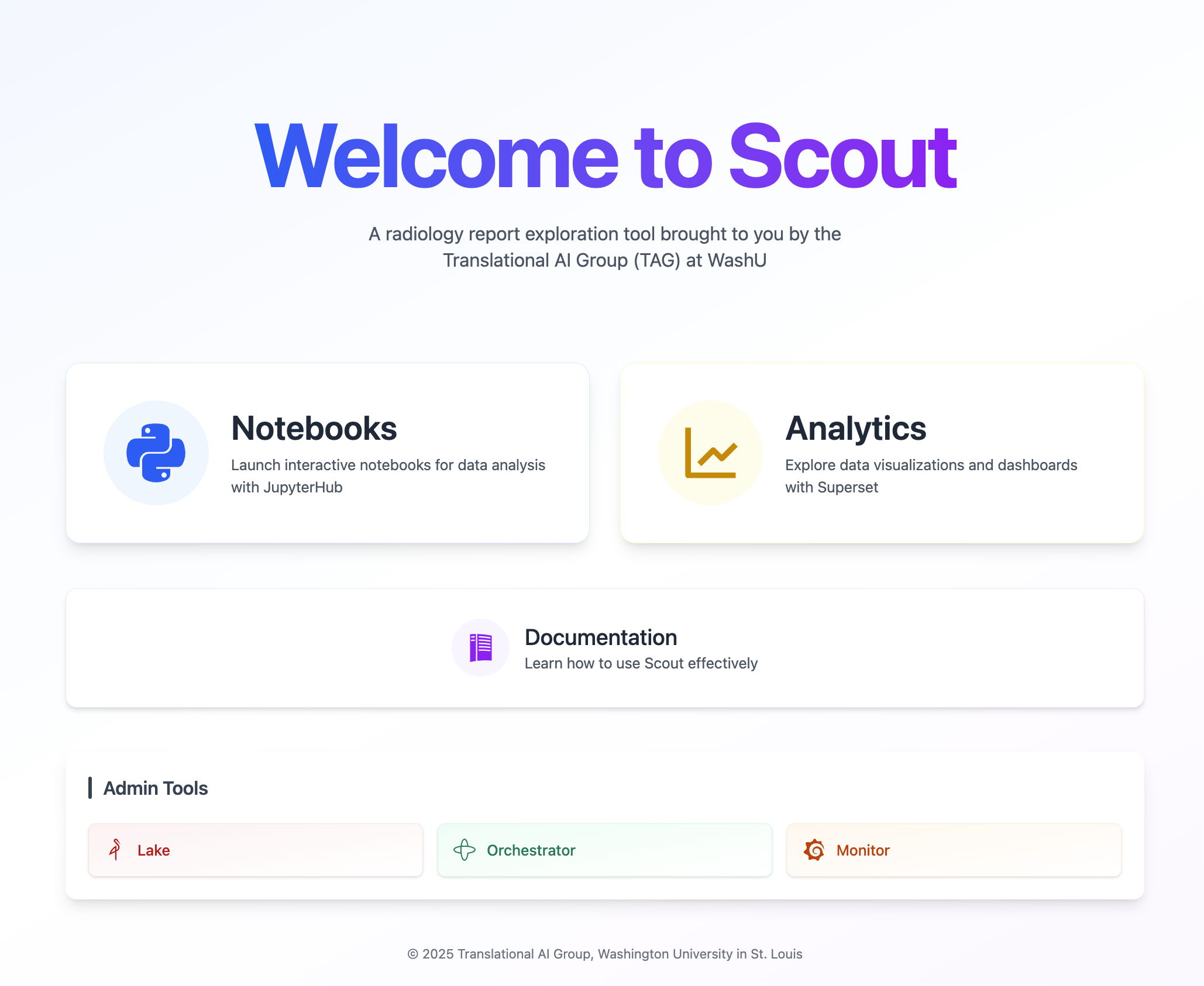
From Scout Analytics, click the “Scout” icon in the top left to navigate to the Scout Launchpad, where you can access other Scout services, including Notebooks, this documentation, and the services for system administrators.
Scout Notebooks#
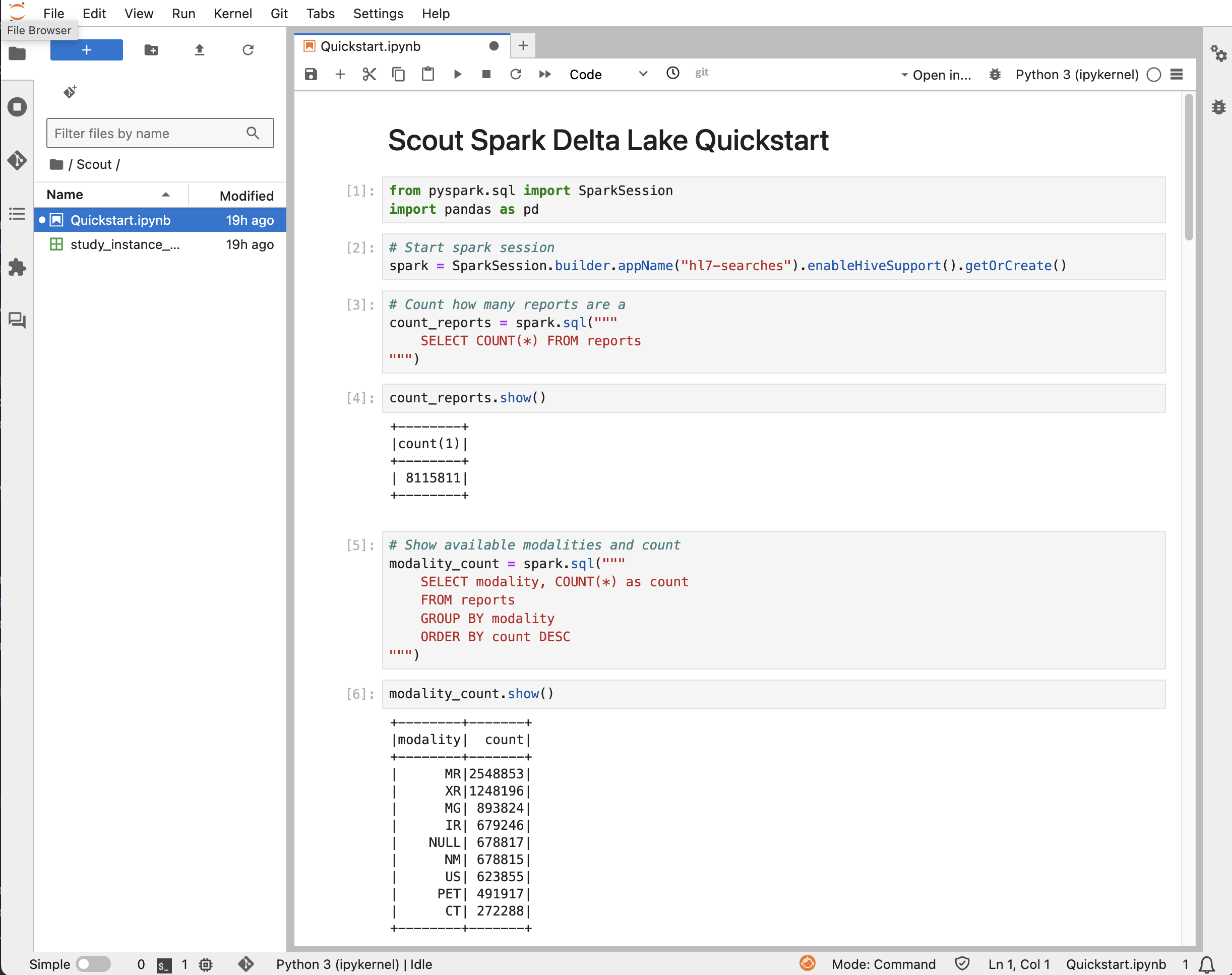
From the Launchpad, you may select “Notebooks” to launch a Jupyter notebook preloaded with
PySpark for completely customizable data analysis.
An example Jupyter notebook with sample code to access and analyze the radiology report data is provided in Scout/Quickstart.ipynb
This notebook provides example code using Spark SQL to search for reports, filter by various criteria, and export the results to CSV files.
Next Steps#
Review the Data Schema to understand the structure of the report data in the data lake and the mapping of HL7 fields to the report table columns.
The Services page provides an overview of the main services that make up the Scout Rad Report Explorer. Superset analytics and Jupyter notebooks are provided to users to facilitate data exploration and analysis. Scout is backed by Temporal for data ingestion and processing, Delta Lake and MinIO for efficient data storage and management, and Prometheus and Grafana for monitoring and visualization.
The Technical Documentation provides more information about the technical aspects of the Scout system.
Explore the Tips & Tricks page for helpful hints for using Scout services.
Report an issue via Jira